Here’s a quick rundown of how to get your providers profile up and running within shutter trails
Firstly you will need to create your profile for the site. This will be used for features such as replying to reviews and comments.
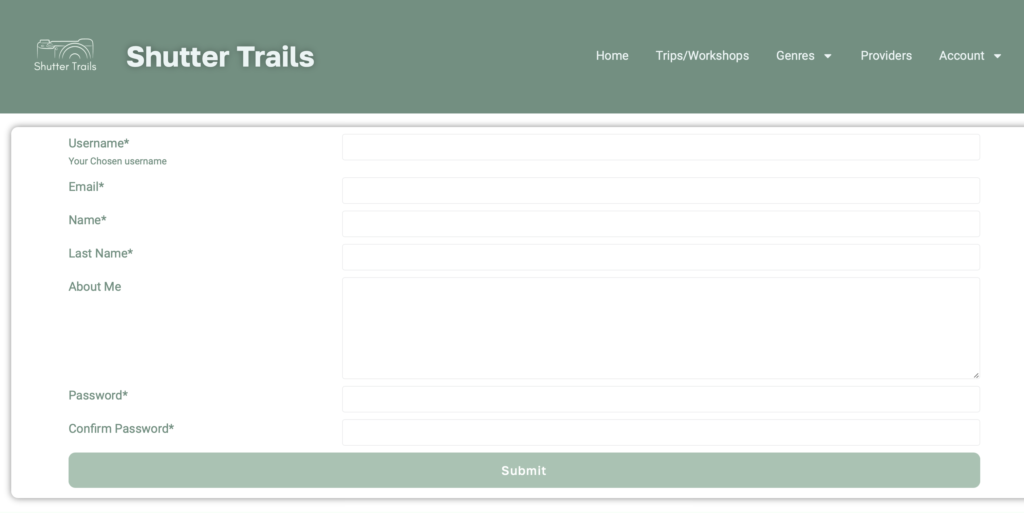
To do this click on the account drop down and then select Register User, you will then see the following form.
Upon submitting the form you will need to confirm your email address, so please check in your spam folder for this.
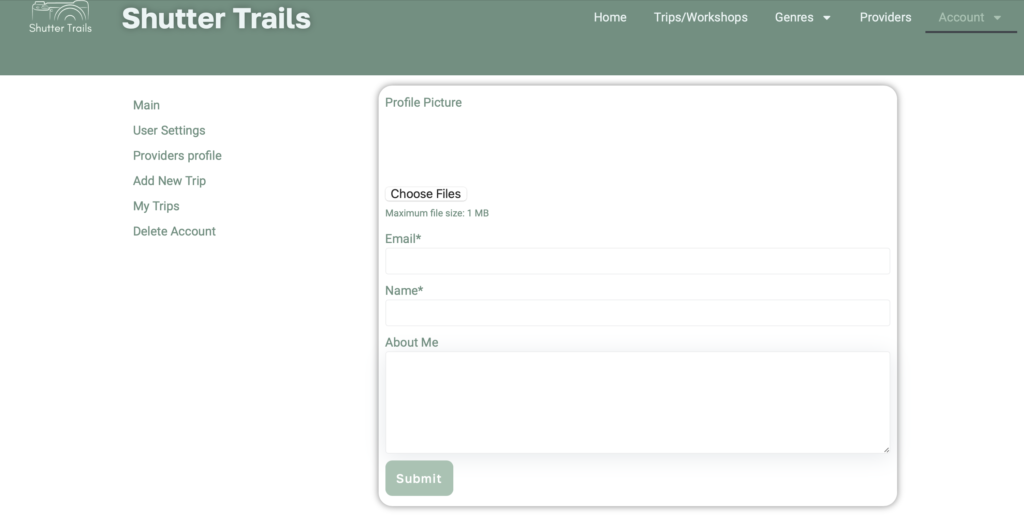
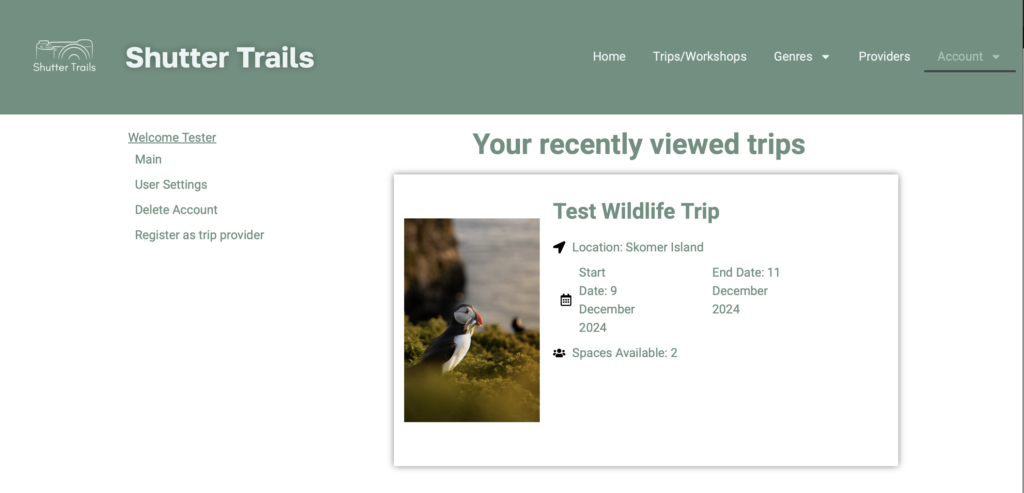
Once the account is registered you will have a user menu, from here you can add a profile picture if you wish.
But as you can see there are more options.
At the bottom there is a link to register as a trip provider, click through here to create your providers profile
Once the account is registered you will have a user menu, from here you can add a profile picture if you wish.
But as you can see there are more options.
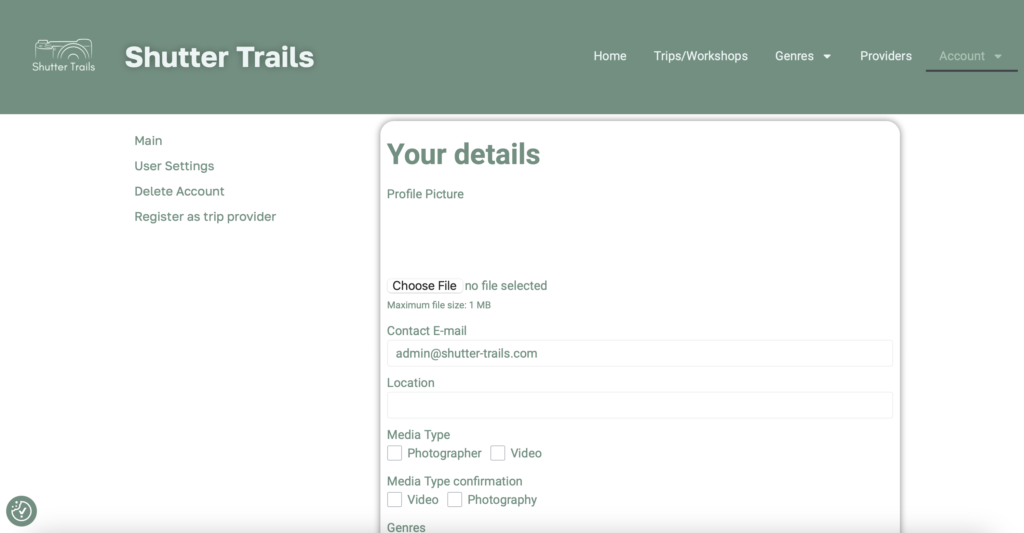
At the bottom there is a link to register as a trip provider, click through here to create your providers profile.
To create your profile fill out all the details relevant to yourself.
mandatory fields are marked with an *.
Currently the Genre and media types are duplicated here to enable functions in the website, hopefully this will be down to one copy of each shortly.
Submission of this requires validation through ourselves. This prevents anybody from registering as a provider.
Once validated you will find more options in your user menu.
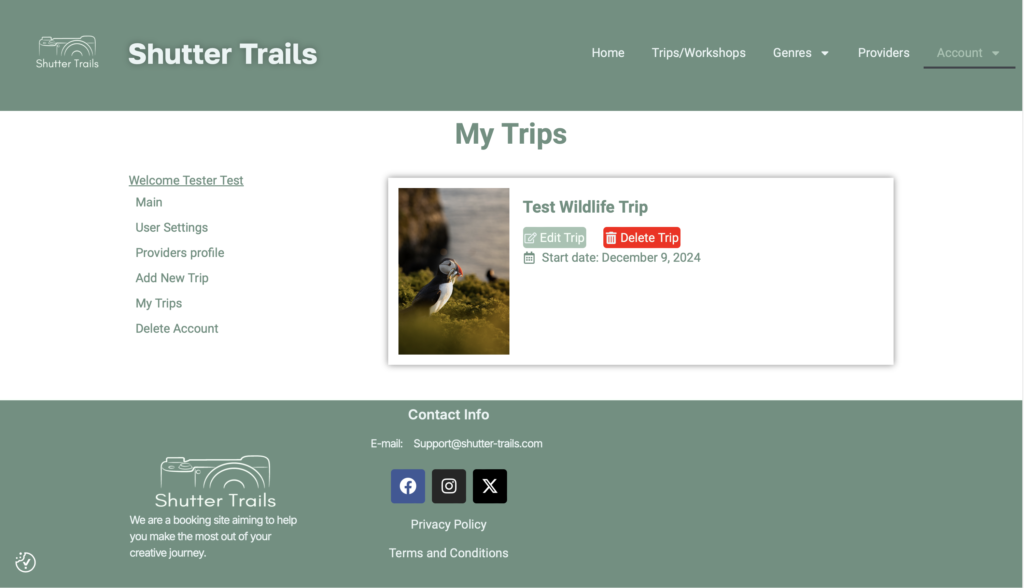
Under My trips you will see your currently active trips, with the option to edit or delete them should you need to.
Finally and most importantly, how to create your trips.
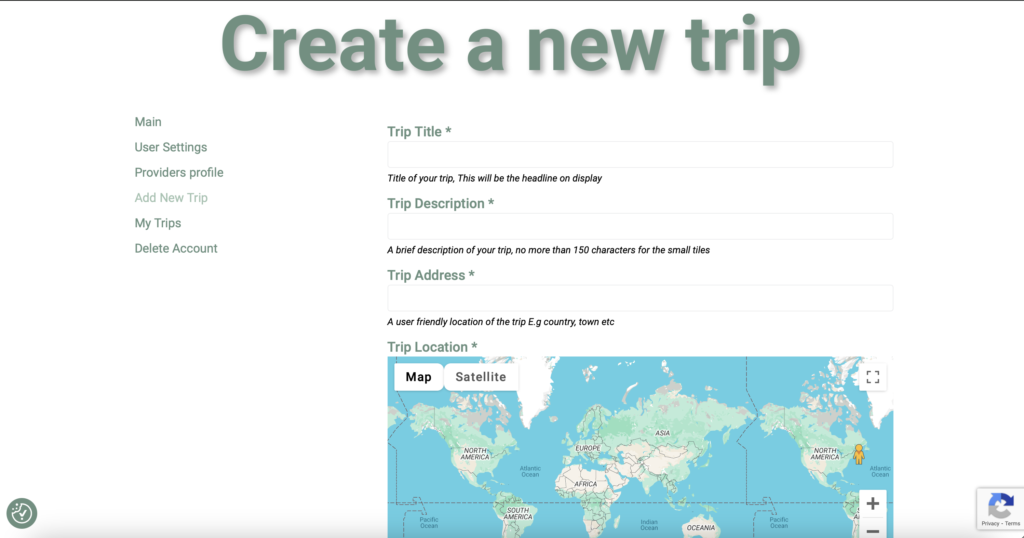
On the user menu on the left there will be an option to add a trip or a workshop. Select the most appropriate to get through to the right form.
(For now the definition of a trip is a one off or sporadically recurring event, and a workshop is a regularly occurring event)
Fill out the form fields and hit submit.
Images are limited to 10 and a total of 15Mb. So please bare this in mind when selecting which images to use.
Common Errors
If you are seeing a wordpress critical error, the most likely cause is using too large images in the gallery. The maximum file size for all images is 10MB.
If you are still struggling, try creating the trip with 1 gallery image, and add the others in the edit.
Try logging out the logging back in.
If you are still experiencing the error please get in touch with [email protected]